Boardable Discussions
Board Communication Software Streamlines Collaboration
Stay organized and engaged, while keeping sensitive information secure.
Ignite collaboration and cut email noise by keeping conversations inside your board portal—not your inbox. Boardable Discussions centralizes polls, messages, and files in secure, organized threads, protecting sensitive information from phishing and keeping decisions moving between meetings without clutter or missed steps.
See it in Action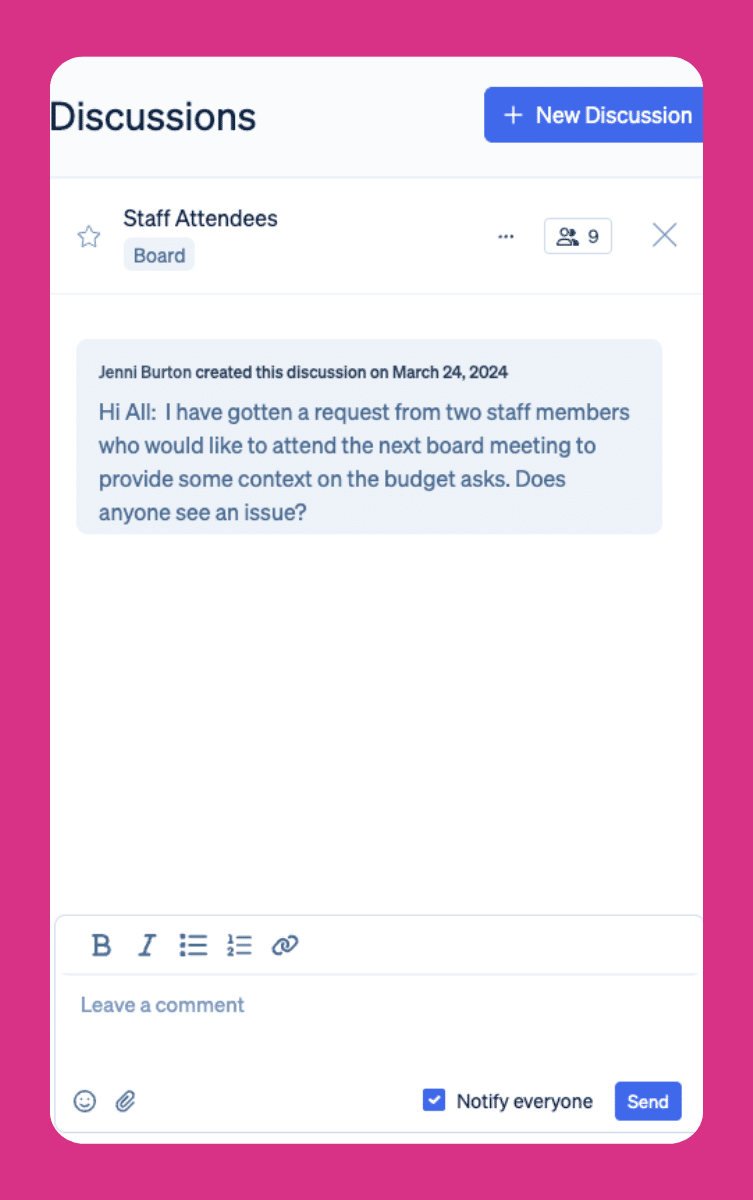
Feature Highlights
Keep Decisions Moving Between Meetings
Because Discussions live inside Boardable, your messages connect with agendas, documents, tasks, and groups—so nothing lives in silos. Powerful notifications and search make it easy to jump back in, track what’s new, and close the loop.
How Discussions Fits Your Board Workflow
Boardable Discussions is purpose-built for the way nonprofit boards work, where every minute, every dollar, and every voice matters. It keeps conversations moving between meetings, reduces email clutter, and makes it easy for everyone to contribute.
Securely Share Information
It’s more important than ever to protect your information. Keep sensitive information out of email and use Discussions to securely share files and messages. Always have the right people engaged in the conversation.
Skip the Training Time
The Boardable platform is built for all levels of technology familiarity. Discussions is easy to use from day one, make it simple to keep conversations going and empower teams to collaborate independently from anywhere.
Board Chat to Stay Connected & Engaged
Strengthen relationships with board and committee members through streamlined communication. Share polls and files in Discussions to further collaborate between meetings. Include GIFs and emojis to add some fun and flair to your threads.
FAQs
Board Discussion Management Frequently Asked Questions
How is a Discussion different from email?
Email was never designed for board discussion management. Messages get buried, forwarded to the wrong people, or lost in overflowing inboxes. Boardable Discussions keeps every conversation in a secure, searchable thread with clear participants, attached files, and built-in notifications. Team members can even reply directly from their email and those replies are captured centrally, so you get the convenience of email without the chaos of reply-all chains or scattered information.
Who can participate in a Discussion?
Any board or committee member added to a Discussion can participate. Within Boardable’s board communication software, roles and permissions determine access, so only the right people see sensitive conversations. Observers can post messages when invited to a thread, but cannot create new discussions on their own, keeping your workspace organized and appropriately governed.
Can I attach documents to a Discussion?
Yes. Boardable’s board discussion platform lets you attach files directly from your device, the Document Center, Google Drive, Dropbox, or OneDrive, so the right version of every document stays tied to the conversation where it belongs. No more hunting through email attachments or asking “which version is current?”
What happens when a Discussion is complete?
You can close or archive a Discussion to keep your workspace clean and focused. Archived threads remain searchable and can be reopened if needed. You can also export a CSV report of the discussion, including a record of who said what and when, which supports accountability and audit trails.
What makes Boardable Discussions different from other board communication tools?
Most generic messaging tools were not built with nonprofit governance in mind. Boardable is purpose-built secure board messaging software that connects Discussions directly to your agendas, documents, tasks, and groups, so conversations are always in context and nothing falls through the cracks. Unlike standalone chat apps or email, Boardable keeps sensitive board communications inside a permissioned, compliance-friendly workspace, with admin controls, role-based access, and exportable reports that help you stay organized and accountable between meetings.
Integrations
Plays Well with Your Tech. Backed by a Team That Gets Governance.
Boardable connects easily with the tools you already use—no IT ticket required. Plus, 24/7 help center and a dedicated Success team trained on nonprofit governance.


Compliance
Compliance-Ready From
Day One
-
Soc 2 Type II

-
WCAG 2.1 AA

-
HIPAA Compliant

- Single-Sign-On
- Roles & permissions
- Two-Way Encryption
- GDPR
Free Resources for Nonprofit Professionals
 Lauren Emmons • May 11, 2026
School Board Governance Committee
For education leaders seeking a charter school to participate in, you may wonder: “is there a charter school near me?” If you search for a charter school and land on a CDE charter school directory, your next steps should include educating yourself on how your commitment to a board…
 Lauren Emmons • August 10, 2026
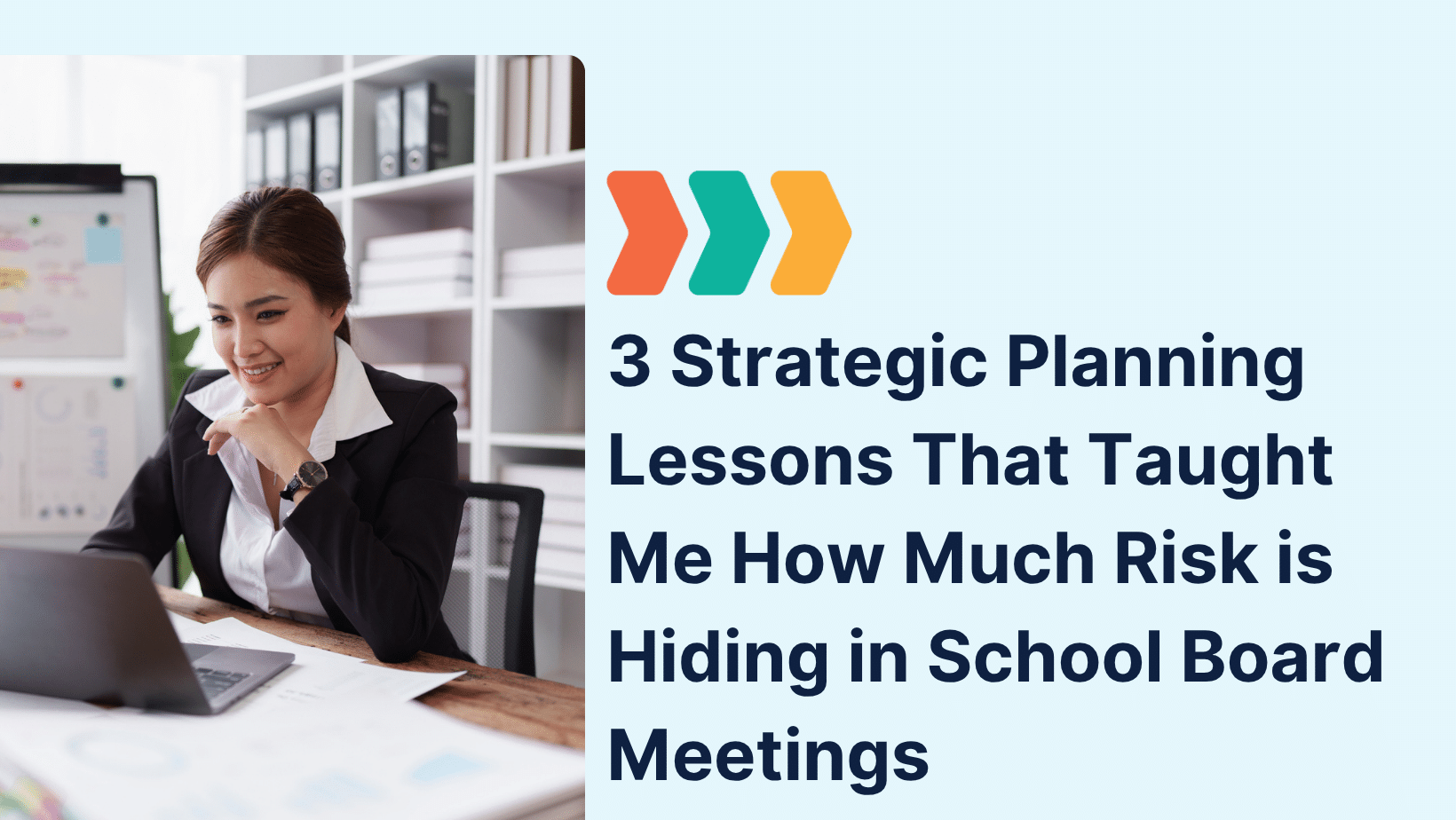
3 Strategic Planning Lessons That Taught Me How Much Risk is Hiding in School Board Meetings
That experience taught me more than I anticipated, not just about strategy, but about the vulnerabilities that surface when governance isn’t supported by the right infrastructure. Let me explain. Lesson One: Disorganization in School Board Meetings Isn’t Just Frustrating—It’s Risky In one session, we paused…
 Lavon Simpson • July 8, 2026
Why Board Meeting Agendas Are So Important
Great Board Meetings Start with a Great Agenda A well-planned agenda sets the tone for every board meeting, helping members stay focused, prepare in advance, and make informed decisions. Whether you’re leading a nonprofit or corporate board, a consistent agenda keeps discussions organized and meetings on track. A board…
