Minutes Maker
Take Accurate, Compliant Board Minutes with Less Effort
Keep your board’s decisions, actions, and institutional history in one secure place.
Taking meeting minutes shouldn’t steal your focus from governance. Boardable’s board meeting minutes software pre-populates your notes directly from your meeting agenda, allowing admins to record attendance, capture roll-call votes, and record action items in real time.
See it in ActionSmarter Minutes Management:
- Pre-Populated Structure: Launch minutes directly from your scheduled agenda items to ensure no topic is missed.
- Integrated Voting & Decision Tracking: Record motions, seconds, and official vote outcomes with clear audit trails.
- Action Item Assignment: Assign post-meeting tasks with due dates directly inside the minutes workflow.
- Automated Approval Workflows: Route finalized minutes to board members for digital signature and official sign-off before archiving.
Combine with Boardable Video to record live meetings and utilize automated transcriptions to speed up post-meeting documentation.
Feature Highlights
Capture Every Meeting, Without the Chaos
Keep every meeting organized from start to finish. Minutes Maker lets you capture what happened, how decisions were made, and who was there–without juggling documents, tabs, or note-taking tools.
Turn Minutes into Action — and Accountability
Turn every meeting into real progress. With Minutes Maker, you connect decisions to owners, deadlines, and documentation in one place—reducing follow-up chaos and creating a clear trail of who agreed to do what, by when.
Assign Tasks & Track Action Items
Transform decisions into clear next steps. Link tasks directly to minutes, assign owners and due dates, and give everyone visibility on what’s in progress, completed, or overdue.
Attach Supporting Files & Comments
Include relevant documents, add comments or updates, and give board members context around decisions and deliverables — all tied to the minutes for clarity and traceability.
Publish, Store & Distribute with Confidence
Once finalized, minutes become the organization’s official record. They’ve stored securely in Boardable, can be exported to PDF, and automatically shared with invited attendees—no juggling emails or attachments.
Built for Nonprofits, Built for Governance
Use Boardable’s Minutes Maker to enable transparency, compliance, and institutional memory.
Integrations
Plays Well with Your Tech. Backed by a Team That Gets Governance.
Boardable connects easily with the tools you already use—no IT ticket required. Plus, 24/7 help center and a dedicated Success team trained on nonprofit governance.


Compliance
Compliance-Ready From
Day One
-
Soc 2 Type II

-
WCAG 2.1 AA

-
HIPAA Compliant

- Single-Sign-On
- Roles & permissions
- Two-Way Encryption
- GDPR
FAQs
Board Meeting Minutes—Frequently Asked Questions
What are meeting minutes — and why are they critical for nonprofit boards?
Meeting minutes serve as the official, written record of a board’s decisions, discussions, and actions. They establish that meetings occurred, document motions and resolutions, and help satisfy legal, audit, and compliance needs. Good minutes also support transparency and institutional memory—especially valuable when board membership or leadership changes.
How do I create minutes using Minutes Maker?
Board meeting minutes tracking in Boardable starts right from your existing agenda, so you’re never building from a blank page. From the meeting page, click the Minutes tab and select “Start Minutes.” You can pull in the meeting agenda automatically, start from scratch, or, for organizations using Boardable Video with AI enabled, generate a draft from the meeting transcript. From there, the editor lets you capture motions, discussions, votes, and attendance in real time. When the draft is ready for review, click Finish to open it up for collaborative editing, then Publish to make it the official record.
Can Minutes be edited after publishing?
Yes. Published minutes can still be updated, whether you need to correct a formatting issue, clarify a decision description, or add a missing detail. Boardable doesn’t lock you out after publication. That said, publishing is a meaningful step in the record-keeping process: once minutes are published, you can edit the content directly, but they won’t revert to draft status. This keeps your board meeting minutes tracking intact while still giving admins the flexibility to make corrections when needed.
Can I link tasks or action items to specific meeting decisions?
Yes, and this is one of the most practical parts of Boardable as a meeting minutes management tool. After capturing a motion, vote, or decision in the minutes editor, you can assign a follow-up task directly from that entry, setting an owner, due date, and visibility for the whole board. Those tasks then appear in the assignee’s personal dashboard and the admin’s organization-wide view, so accountability is built into the record itself rather than tracked separately in email or a spreadsheet.
Can Boardable generate minutes automatically from meetings?
Yes, for organizations using Boardable Video with AI enabled, automated meeting minutes for boards are generated directly from the meeting transcript. The AI captures discussions, decisions, and action items in a structured draft that’s ready for your review. If you’re not using Boardable Video, you can also upload a transcript from an external meeting, and Boardable will create a draft minutes document from it. Either way, you review, edit, and publish on your own timeline. The result is the same: faster turnaround and a clean, accurate official record without starting from zero.
What makes Boardable Minutes Maker different from other meeting minutes tracking tools?
Most meeting minutes software treats minutes as a standalone document, something you type up after the fact and email around. Boardable connects minutes to every other part of your meeting workflow. You start from the agenda you already built, record in real time during the meeting, assign action items that feed directly into task tracking, and publish a record that lives alongside your documents, attendee history, and past decisions in one place.
For nonprofits specifically, that continuity matters. Board leadership turns over, institutional memory gets lost, and compliance needs documentation you can actually find. Boardable’s Minutes Maker keeps everything in a searchable, centralized Document Center, with AI-assisted drafting for organizations using Boardable Video, task accountability built into the record, and export to PDF whenever you need to share minutes externally. It’s a full meeting minutes management tool, not just a notes editor.
How does Boardable automate board meeting minutes?
Boardable imports your meeting agenda directly into the Minutes Maker tool, allowing you to take real-time notes, record votes, and assign action items under each specific agenda heading without manual formatting.
Are AI-generated board meeting minutes legally compliant?
Yes, provided they are reviewed and approved by the board secretary. Boardable’s automated transcription and AI summaries serve as an accurate base draft that admins can edit, verify, and route for official board approval and e-signature.
Free Resources for Nonprofit Professionals
 Lauren Emmons • May 11, 2026
School Board Governance Committee
For education leaders seeking a charter school to participate in, you may wonder: “is there a charter school near me?” If you search for a charter school and land on a CDE charter school directory, your next steps should include educating yourself on how your commitment to a board…
 Lauren Emmons • August 10, 2026
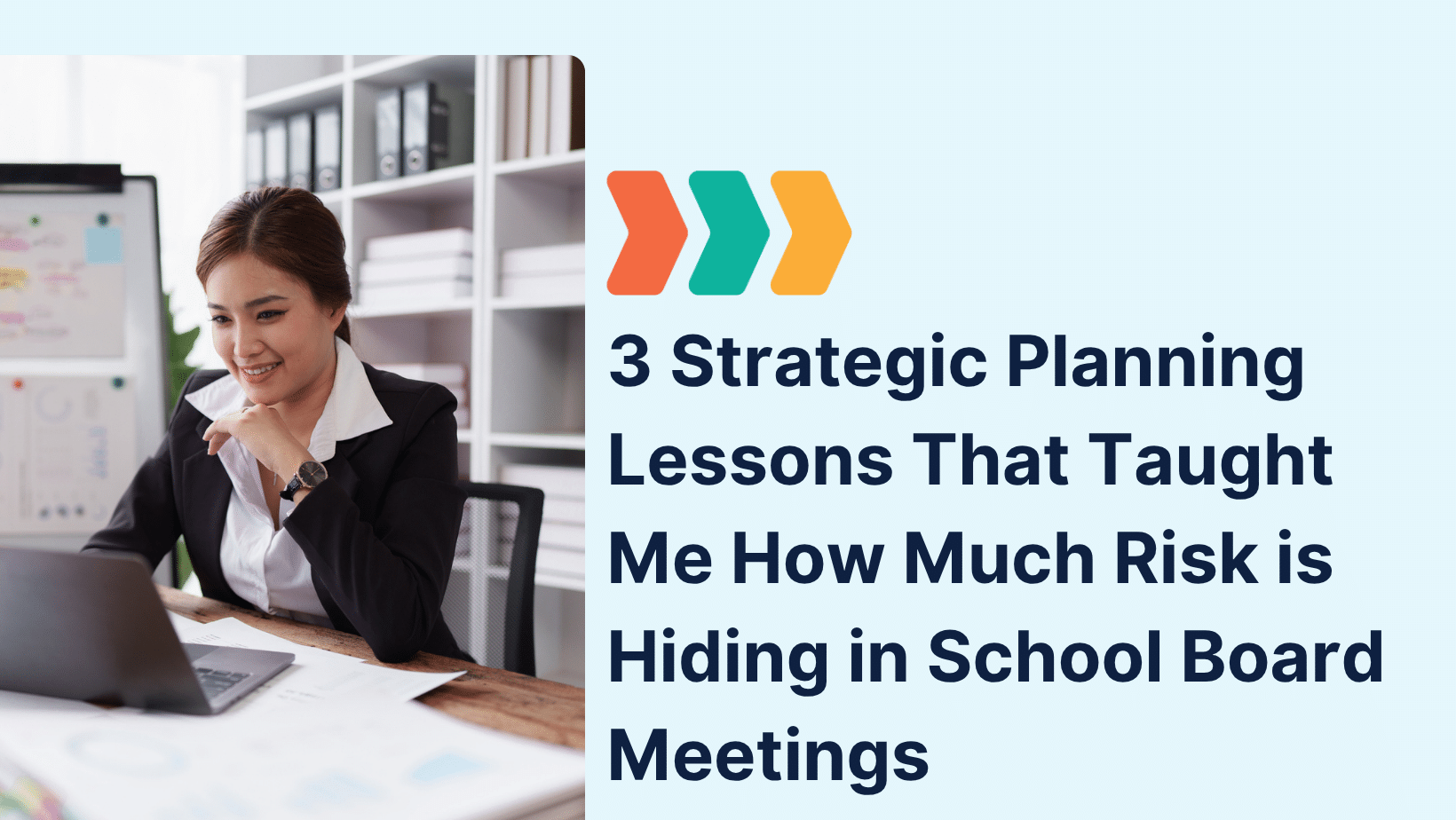
3 Strategic Planning Lessons That Taught Me How Much Risk is Hiding in School Board Meetings
That experience taught me more than I anticipated, not just about strategy, but about the vulnerabilities that surface when governance isn’t supported by the right infrastructure. Let me explain. Lesson One: Disorganization in School Board Meetings Isn’t Just Frustrating—It’s Risky In one session, we paused…
 Lavon Simpson • July 8, 2026
Why Board Meeting Agendas Are So Important
Great Board Meetings Start with a Great Agenda A well-planned agenda sets the tone for every board meeting, helping members stay focused, prepare in advance, and make informed decisions. Whether you’re leading a nonprofit or corporate board, a consistent agenda keeps discussions organized and meetings on track. A board…
