Boardable Polls & Voting
Board Voting Software Right Where You Need It
Decide Faster with Secure, Integrated Board Voting
Turn discussion into decisions with built-in polls and voting—assign voters, attach supporting documents, and record outcomes in one place.
See it in Action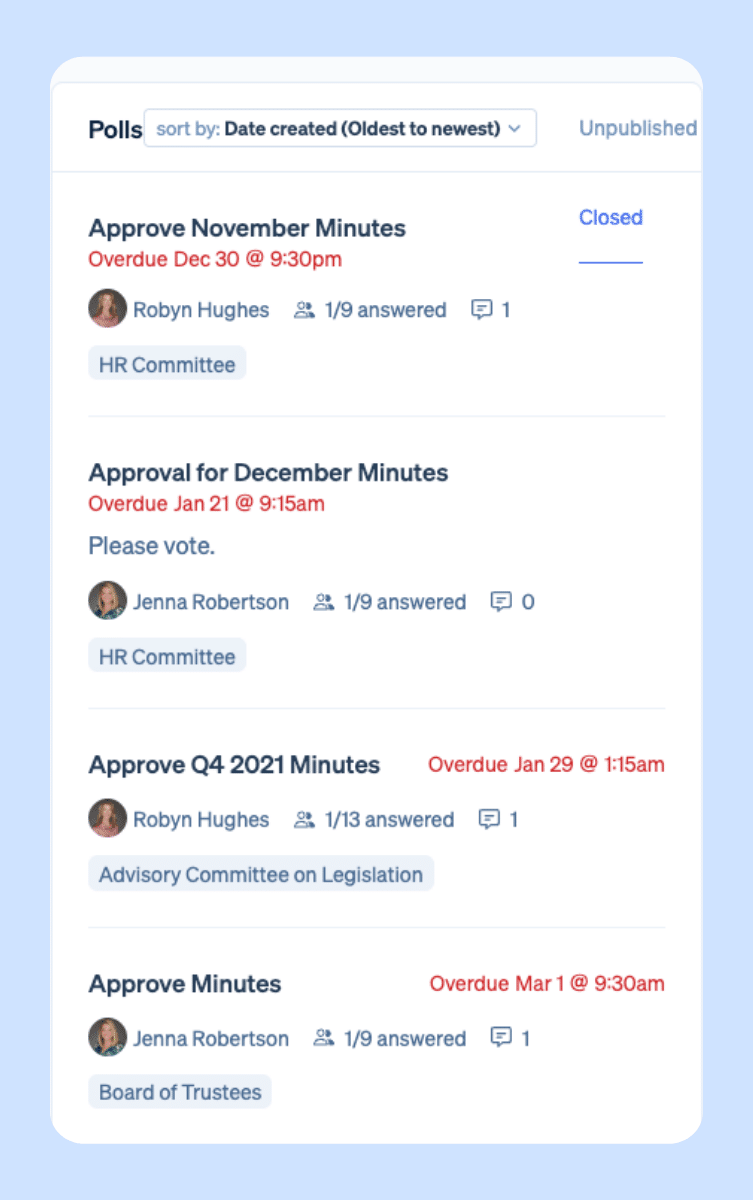
Feature Highlights
Workflows That Fit How Nonprofits Actually Operate
Polls & Voting is built directly into our board management platform. No switching tools or reconciling email threads. Create polls from meetings, groups, or the Polls page and keep them linked to the work that prompted the decision.
Engage, Vote, and Report—All in One Place
Preparation & Engagement
A dashboard of open polls keeps everyone focused on key items from budget approvals to strategic plans. Members can review attached documents and comments beforehand so they arrive prepared.
Cast Board Virtual Votes
Enable secure, virtual participation anywhere. Identity-verified voting (for secure participation) invite specific individuals, and keeps votes anonymous when appropriate.
Transparent Results & Reports
Track invited counts, votes submitted, and completion % at a glance with CSV export. For non-anonymous polls, see who has been invited, who voted, and what their votes are. Once voting starts, you can adjust the due date.
How Boards Use Votes & Polls
Decision-making between meetings is easier than ever. Use polls to handle consent agendas and approvals before meetings to reserve live time for strategy; run quick temperature checks on retreat dates, policy drafts, or priorities; and manage member experience and logistics.
Built for Nonprofit Governance (Not Group Chats)
Purpose-built for boards and committees, Polls & Voting ensures every decision has the right participants, clear context, and a reliable record—connected to meetings, minutes, and groups.
FAQs
Board Voting Software Frequently Asked Questions
Who can create polls?
Organization admins can create polls directly from the home dashboard, from a specific meeting, or from the Polls page, depending on their role and workflow. This flexibility is part of what makes Boardable a practical board poll software for nonprofits, where admins juggle multiple committees and meetings at once.
Can votes be anonymous?
Yes. When setting up a poll, you control whether votes are anonymous. With anonymous voting, only totals and completion percentages are visible. When anonymity is turned off, your board voting management view shows exactly who voted and what they chose, giving you full transparency for governance records.
Can people change their vote after submitting?
That depends on how the poll is configured. Poll creators can allow participants to update their responses after submitting, and can also enable write-in options when the situation calls for more nuance than a fixed set of answers. This kind of flexibility is built into Boardable’s board voting software so your process fits your governance needs, not the other way around.
Can we export results?
Yes. Boardable functions as a voting tracker software by letting you download both multi-poll completion summaries and detailed poll-specific reports in CSV format. You can see invited counts, votes submitted, and completion percentages at a glance, and keep a clean record for audits, board minutes, or stakeholder reporting.
What makes Boardable Polls & Voting different from other board voting tools?
Most board voting tools exist in isolation. Boardable Polls & Voting is built directly into your board management platform, so every poll is connected to the meeting, group, or agenda item that prompted it. You can attach supporting documents from your Document Center, Google Drive, Dropbox, or OneDrive so voters review the same source of truth before casting their vote. Combined with identity-verified participation, anonymous voting options, and exportable reports, it gives nonprofit boards everything they need for confident, documented decision-making, without switching between tools or chasing responses through email.
Integrations
Plays Well with Your Tech. Backed by a Team That Gets Governance.
Boardable connects easily with the tools you already use—no IT ticket required. Plus, 24/7 help center and a dedicated Success team trained on nonprofit governance.





Compliance
Compliance-Ready From
Day One
-
Soc 2 Type II

-
WCAG 2.1 AA

-
HIPAA Compliant

- Single-Sign-On
- Roles & permissions
- Two-Way Encryption
- GDPR
Free Resources for Nonprofit Professionals
 Lauren Emmons • May 11, 2026
School Board Governance Committee
For education leaders seeking a charter school to participate in, you may wonder: “is there a charter school near me?” If you search for a charter school and land on a CDE charter school directory, your next steps should include educating yourself on how your commitment to a board…
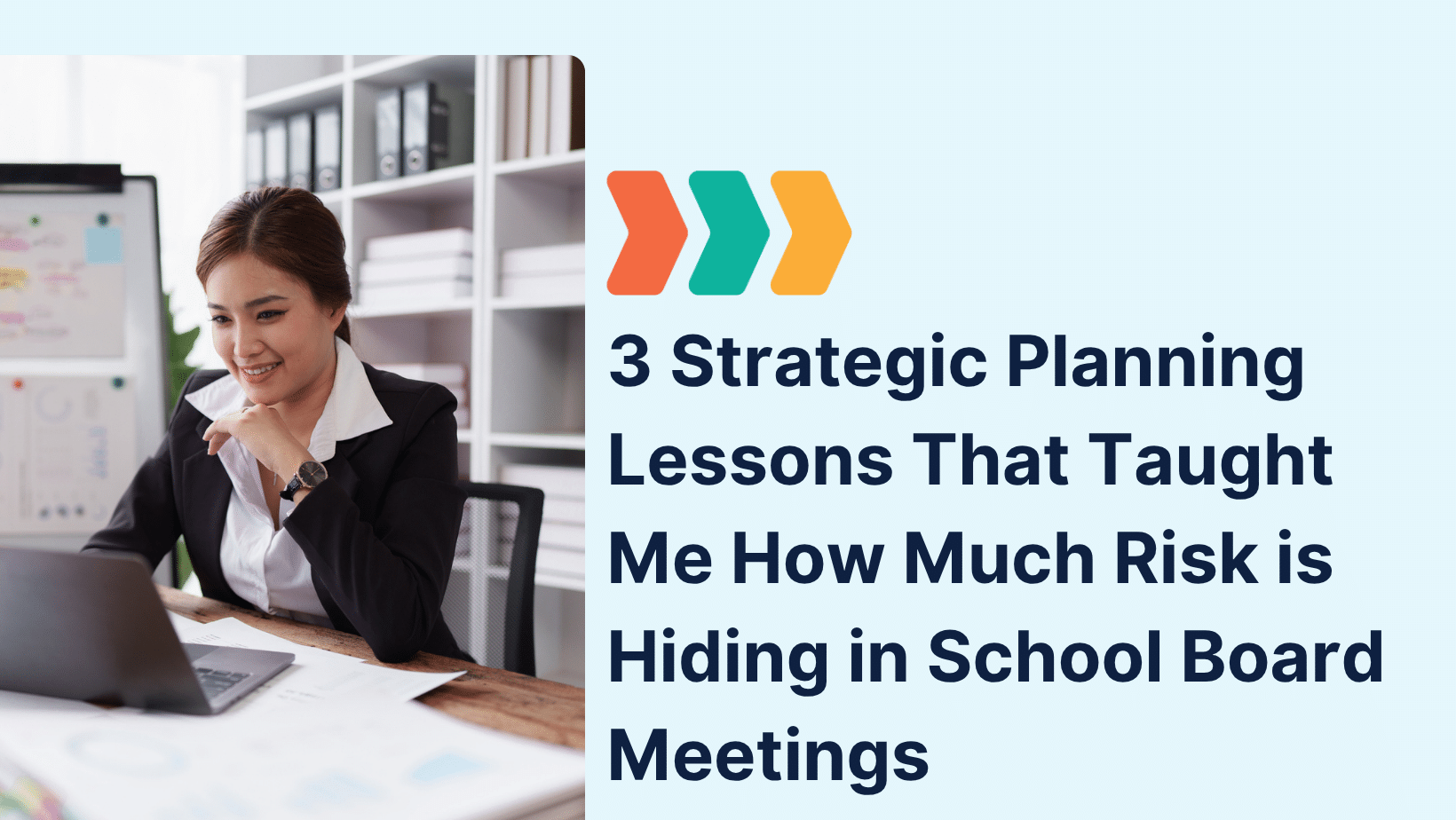 Lauren Emmons • August 10, 2026
3 Strategic Planning Lessons That Taught Me How Much Risk is Hiding in School Board Meetings
That experience taught me more than I anticipated, not just about strategy, but about the vulnerabilities that surface when governance isn’t supported by the right infrastructure. Let me explain. Lesson One: Disorganization in School Board Meetings Isn’t Just Frustrating—It’s Risky In one session, we paused…
 Lavon Simpson • July 8, 2026
Why Board Meeting Agendas Are So Important
Great Board Meetings Start with a Great Agenda A well-planned agenda sets the tone for every board meeting, helping members stay focused, prepare in advance, and make informed decisions. Whether you’re leading a nonprofit or corporate board, a consistent agenda keeps discussions organized and meetings on track. A board…
